How to price your first UGC package: a practical worksheet
Define the deliverables, estimate the full workload, and write a clear quote. A first-package worksheet with illustrative math, not invented industry minimums.

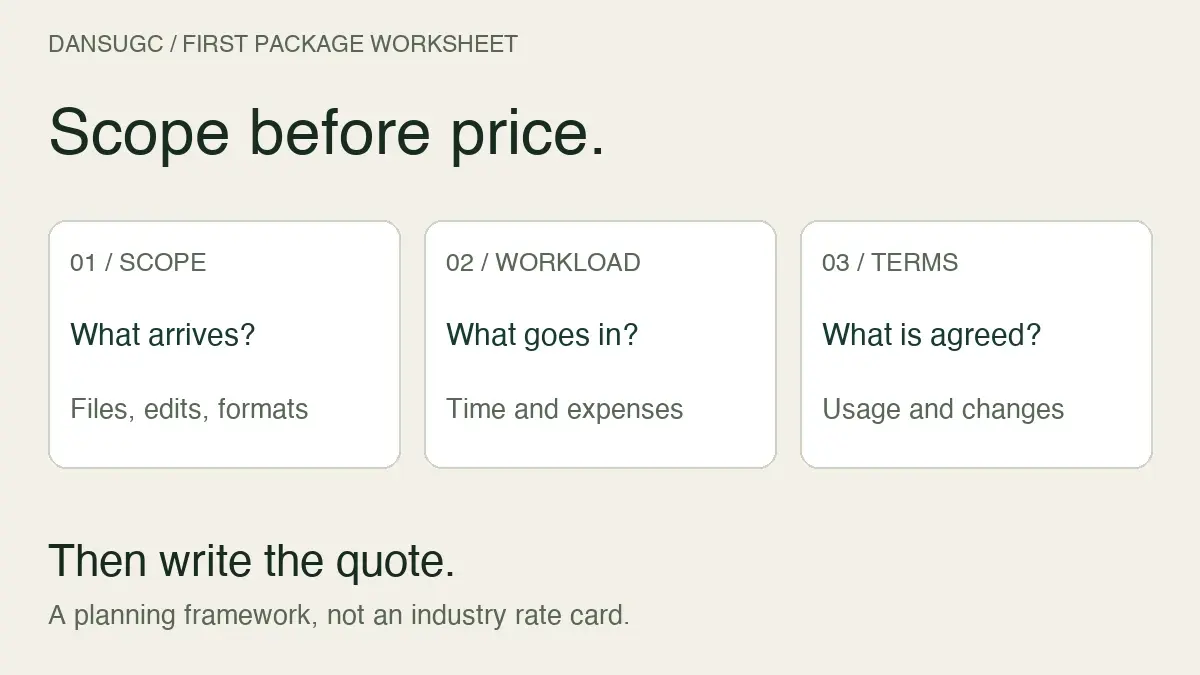
Price your first UGC package by defining the deliverable, estimating the full workload, and agreeing on usage before you send a number. There is no universal beginner price that makes every project worthwhile. A raw reaction clip, an edited product demonstration, and a post to your own audience are different jobs.
I’m Daniel, founder of DansUGC. This guide is a practical way to build and review a quote, not a survey of creator earnings or a promise of what brands will pay. The worked example below uses invented inputs to show the calculation. Replace them with your own costs and requirements.
A correction to the previous guide
The previous version called $150 an industry-wide minimum and cited an unnamed survey about creators reaching an income target. We could not substantiate those claims. It also contained an incorrect return-on-ad-spend calculation. Those statements have been removed.
Your price should not depend on an unsupported benchmark or a prediction about a buyer’s future sales. Start with what you are actually agreeing to deliver. Then check whether the payment covers that work on terms you can accept.
Step 1: define what one package contains
“Three UGC videos” is not enough information to quote. Are they three independently scripted videos, three reactions filmed in one setup, or three openings attached to the same demonstration? Each creates a different workload.
Write a scope card before a rate card:
- Output: raw footage, edited videos, still images, or published posts.
- Quantity: distinct concepts, recordings, edited versions, and export formats.
- Preparation: product research, script development, props, travel, and setup.
- Delivery: file format, orientation, approximate length, and handoff method.
- Feedback: included review rounds and the difference between a correction and a new request.
- Usage: where and for how long the buyer intends to use the content; clarify any requested exclusivity or account permissions.
- Schedule: when you receive the brief and product, when feedback is due, and when delivery is expected.
A useful description might be: “Three raw vertical reaction clips, each approximately ten seconds, filmed in one indoor setting. No script, editing, product demonstration, or posting included.” That describes a limited production task. It is not interchangeable with three finished advertisements.
If the terms are getting mixed together, our UGC clips versus custom UGC comparison separates existing footage from newly commissioned production.
Step 2: count the work around the camera
Filming time is only one input. Include briefing, messaging, preparation, setup, recording, file selection, editing, feedback, and delivery. A short final video can still require a long production process.
Estimate those tasks separately. Then identify which are shared across the package and which repeat for every asset. One lighting setup may serve three clips. Three different locations will not.
Also list direct project expenses and any relevant payment or platform fees. Check actual terms rather than assuming the amount on an invoice is the amount you receive. Keep taxes and your personal business obligations separate from this simplified production worksheet; it is not tax advice.
For a first project, record estimates as estimates. After delivery, compare them with actual time. The purpose is to learn where your quote was inaccurate, not to pretend you already have a reliable average.
Step 3: use a worked example, not a market promise
Here is a hypothetical quote calculation for a small edited-video package. These are illustrative inputs, not DansUGC rates or recommended creator pay.
- Briefing and preparation: 1 hour.
- Setup and filming: 2 hours.
- Editing and exports: 2 hours.
- Included feedback and delivery: 1 hour.
- Total estimated time: 6 hours.
- Illustrative internal hourly target: $30.
- Direct project expenses: $20.
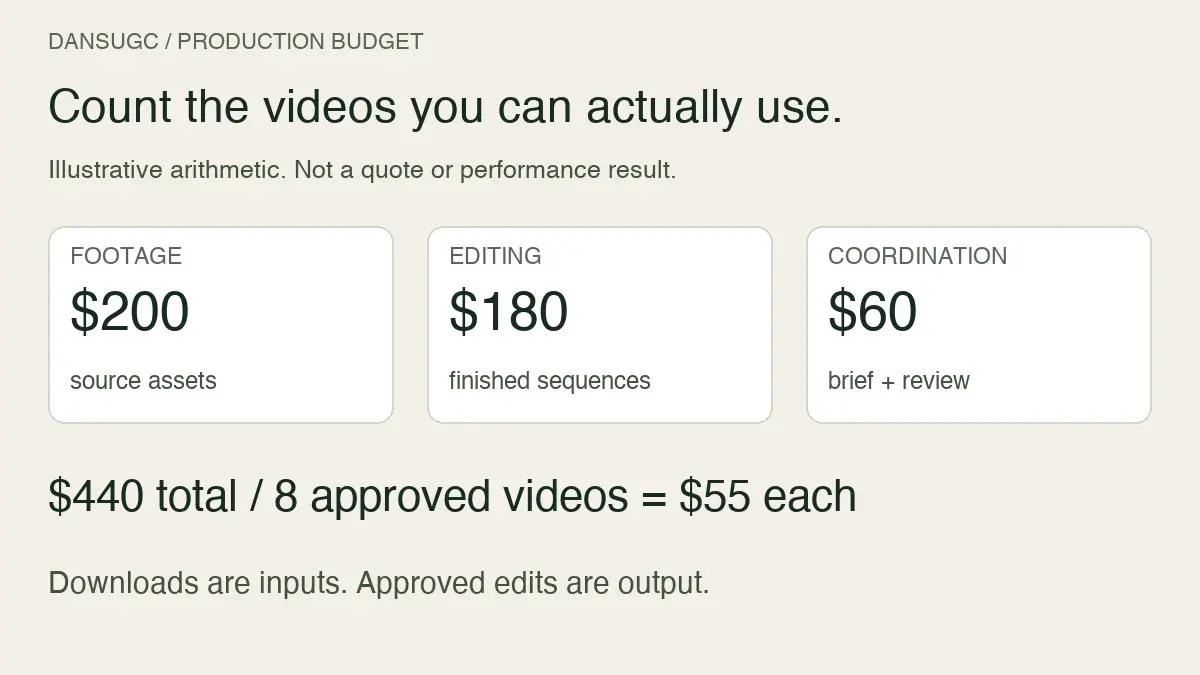
The time allocation is 6 × $30 = $180. Adding $20 in expenses gives $200 before any other fees, overhead, additional usage terms, or contingency you need to account for. Treat that as a calculation checkpoint, not a finished quote or take-home income.
Suppose the agreed quote is $260, with no other expenses or fees in this simplified example. After the $20 direct expense, $240 remains. If the job actually takes six hours, that is $40 per hour before tax and other business costs. If it takes nine hours, it is about $26.67 per hour on the same basis.
The price did not change. The workload did. That is why a quote needs a clear boundary around feedback and additional production.
Our creator income guide explains the difference between an advertised rate, gross revenue, and money left after costs. Do not use one as a substitute for another.
Step 4: make a bundle discount earn its place
A bundle can reduce duplicated work, but a bigger order does not automatically cost less to produce per asset. Only discount for efficiencies you can identify and still afford.
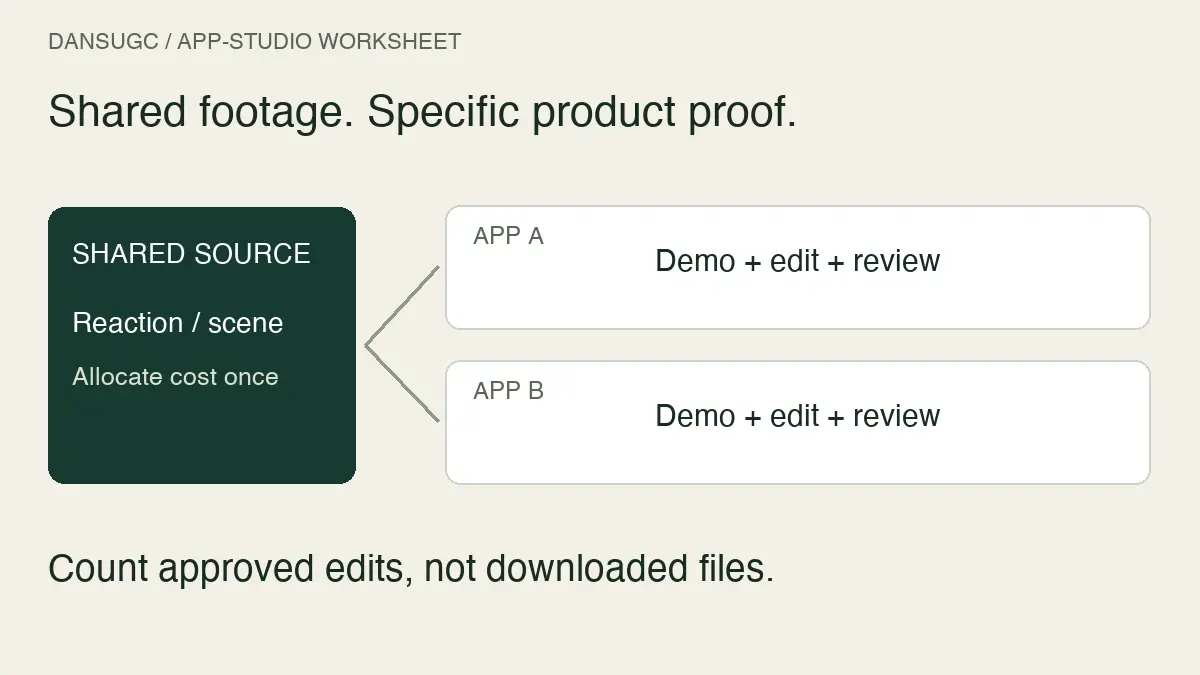
For example, one shared briefing call and one recording setup may serve multiple reactions. That can be more efficient than three separate bookings. If every video requires a different product, script, location, and approval process, the shared savings may be small.
Show the buyer what the package covers rather than creating an arbitrary percentage discount. Keep an optional add-on separate when it changes the work: a second location, another script, an additional edit, or a new filming session.
Do not sell unlimited revisions to make the package feel generous. State the included feedback process and what happens when the buyer changes the approved brief. For example, correcting a missed required shot and filming a newly requested concept should not be silently treated as the same task.
Step 5: agree on usage and publishing separately
Ask how the buyer plans to use the files before you finalize the quote. Content for a brand’s organic account, paid advertising, and posting through your own account involve different requirements. A video file count does not answer those questions.
Record the requested channels, duration, territory, editing permissions, and any exclusivity or creator-account access. Confirm the terms in the agreement. This checklist is not legal advice or a substitute for reviewing a contract you are asked to sign.
There is no universal percentage in this guide for usage, exclusivity, or account permissions. Quote the actual request rather than copying an unexplained surcharge. If the requirements are unclear, leave that part subject to clarification instead of pretending everything is included.
For a reusable way to present the scope alongside the numbers, see our UGC rate-card guide.
A first-package quote you can adapt
Use the following as a drafting checklist, not a binding agreement or a statement of DansUGC’s terms. Replace every placeholder before sending it.
- Project: [brand, product, and purpose].
- Deliverables: [number of concepts, raw clips, edited versions, and formats].
- Included work: [preparation, filming, editing, and delivery tasks].
- Buyer inputs: [approved brief, product, references, and required materials].
- Feedback: [included rounds, response window, and correction process].
- Outside scope: [new concepts, additional filming, extra edits, or posting].
- Intended usage: [agreed channels, duration, territory, and permissions].
- Price and currency: [amount], with [applicable expenses and fees] explained.
- Payment and delivery: [agreed timing and dependencies].
- Changes: [how an additional request is estimated and approved].
Send the description and the price together. A buyer should be able to explain what they are buying without reconstructing the agreement from a long message thread.
What to say when the budget is lower
Offer a smaller scope if it still makes sense. You do not need to defend a universal industry minimum or criticize the buyer’s budget.
Example wording: “For that budget, I can offer [smaller deliverable] with [specific scope]. The original package includes [additional work], so its quote remains [amount]. Which output do you need first?”
If the buyer requests the original work at the lower price, you can decline. If you choose a limited introductory offer, make its boundaries clear and calculate whether it is worthwhile for you. A discount is a commercial decision, not proof that your work is good or bad.
Avoid guaranteeing views, conversions, or revenue to justify the price. You can promise agreed deliverables and a defined process. Audience response depends on more than the production work you control.
Review the first project before changing your prices
Keep a small project log: quoted amount, money received, direct expenses, actual hours, feedback rounds, additional requests, and whether you would accept the same scope again.
If editing or revisions consumed the margin, improve the estimate or package boundary before simply raising every rate. If the work went smoothly and demand exceeds your capacity, consider your next quote using that evidence. There is no required increase after a fixed number of deals.
For creators considering our platform, the DansUGC creator application page describes the current opportunities and requirements. Check those terms separately from your own direct-client package. Applying or uploading content does not guarantee orders or earnings.
First UGC package pricing FAQs
Is there a minimum price every beginner should charge?
This guide does not establish an industry-wide minimum. Define the deliverable, estimate your costs and time, clarify usage, and decide whether the proposed payment works for your business. Do not treat a generic online rate as a rule for every type of footage.
Should a three-video package cost three times one video?
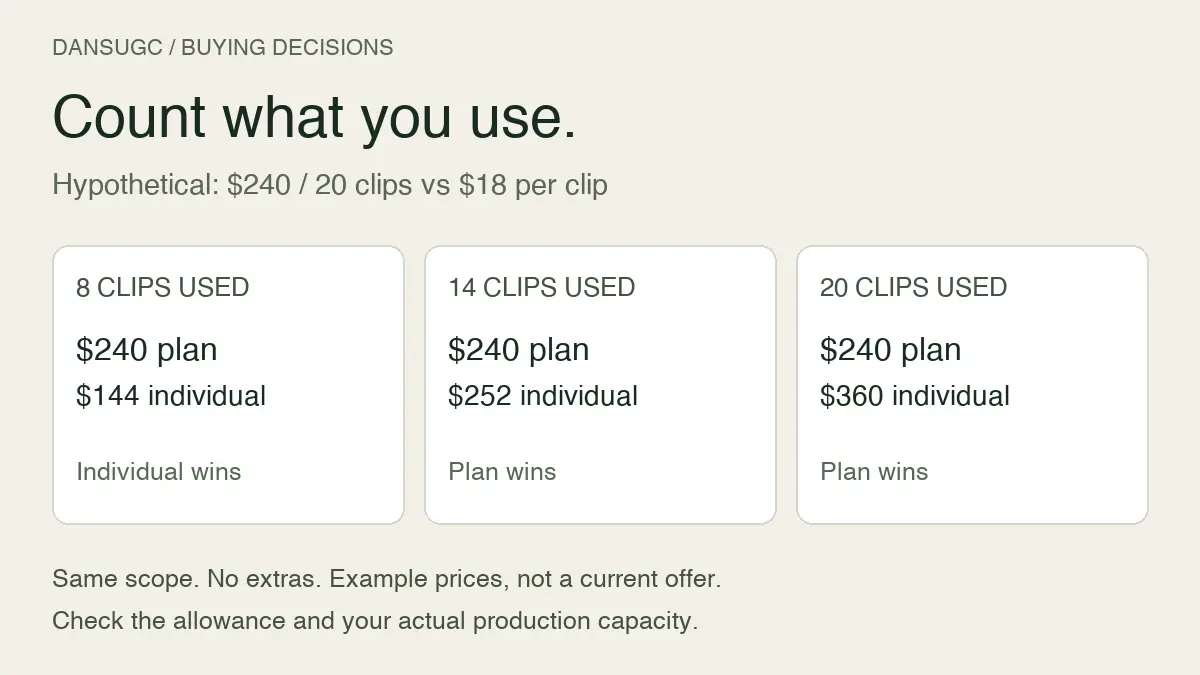
Not necessarily. Shared preparation may reduce the workload, while separate scripts or locations may not. Calculate the actual work and explain the package scope before deciding whether to discount.
Can I charge for extra revisions?
Agree on the feedback process and any additional charges before work begins. Distinguish correcting a missed requirement from a buyer adding a new request. Do not surprise the buyer with an undefined fee after delivery.
Is a library clip price a benchmark for my custom quote?
No. An existing clip and a newly filmed, edited, product-specific package are different deliverables. Compare equivalent work, usage, and responsibilities. A buyer-facing library price also does not establish a creator’s take-home earnings.
Ready to get UGC videos for your brand?
Real human creators, 48-hour delivery, full commercial rights. Starting at $9/video.